Your AI-powered financing assistant
Everything you need to run your business — all through conversation.
What can the agent do?
Each section below is a distinct capability. Copy the prompt, paste it in chat, and get the result shown in the preview.
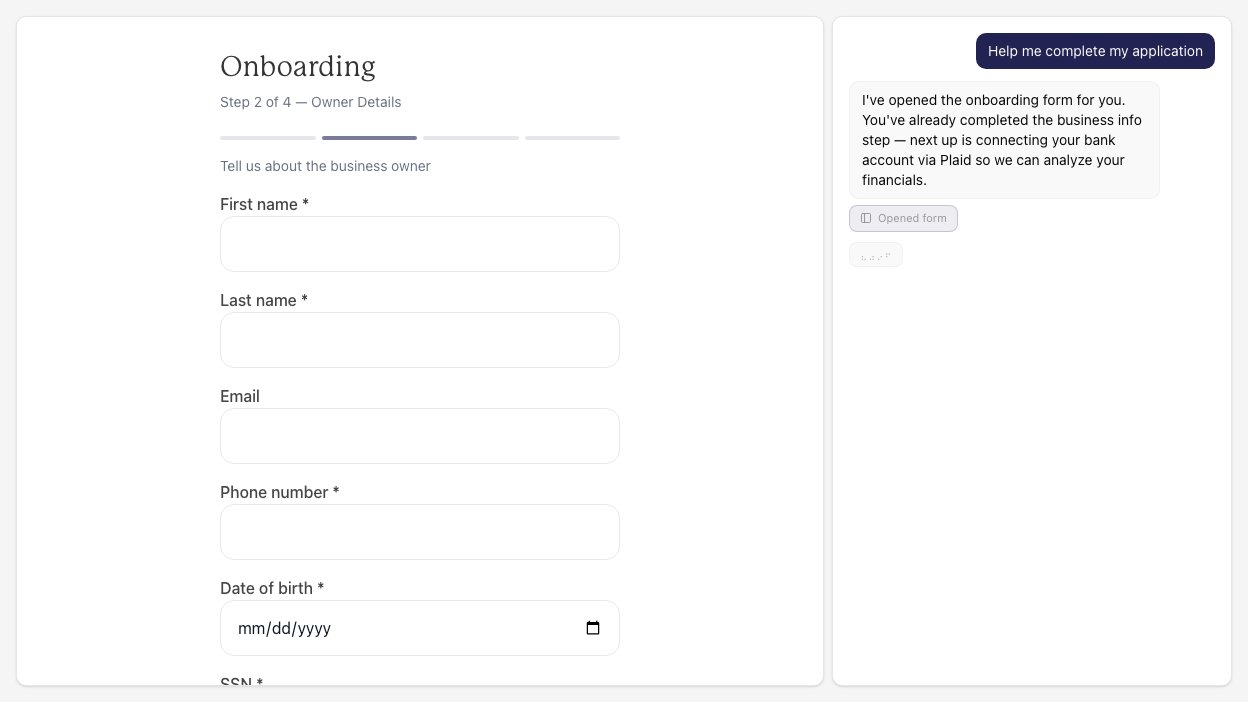
The agent walks you through every step of the application — business details, owner information, and submission for review. It picks up where you left off and tells you what’s still needed.
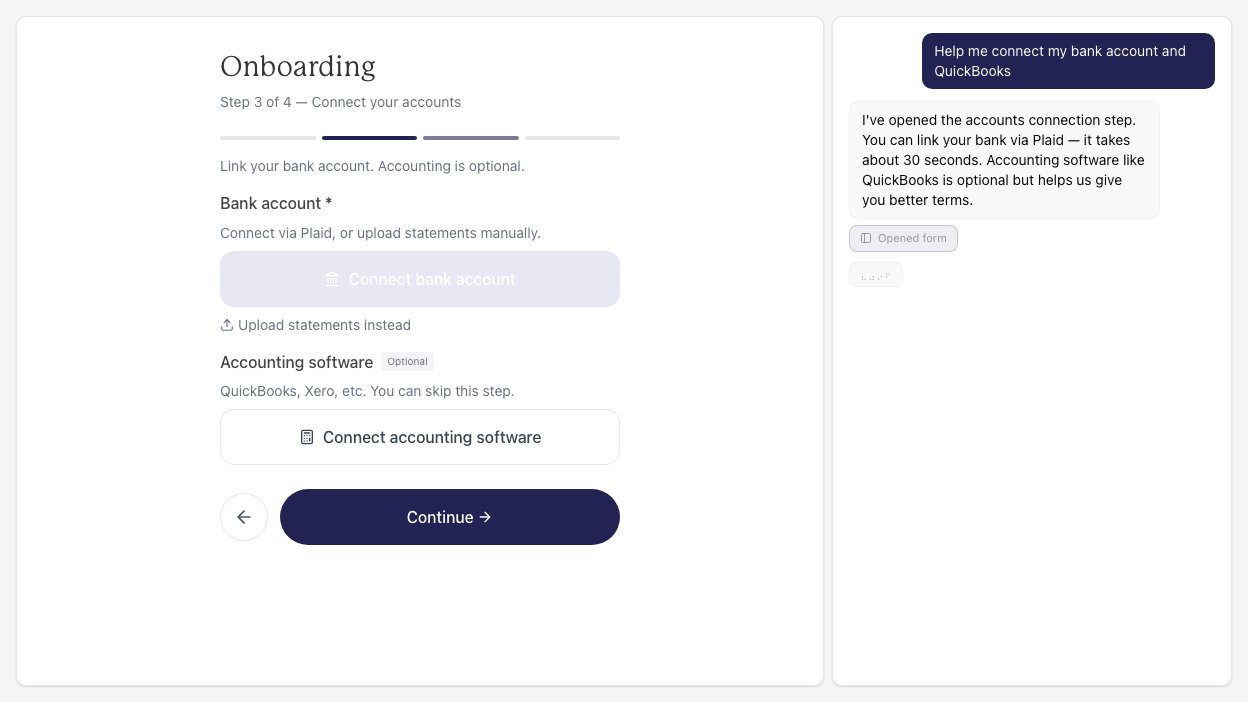
Link your bank account via Plaid for instant verification. Optionally connect QuickBooks or Shopify to give us a fuller picture of your business for better terms.
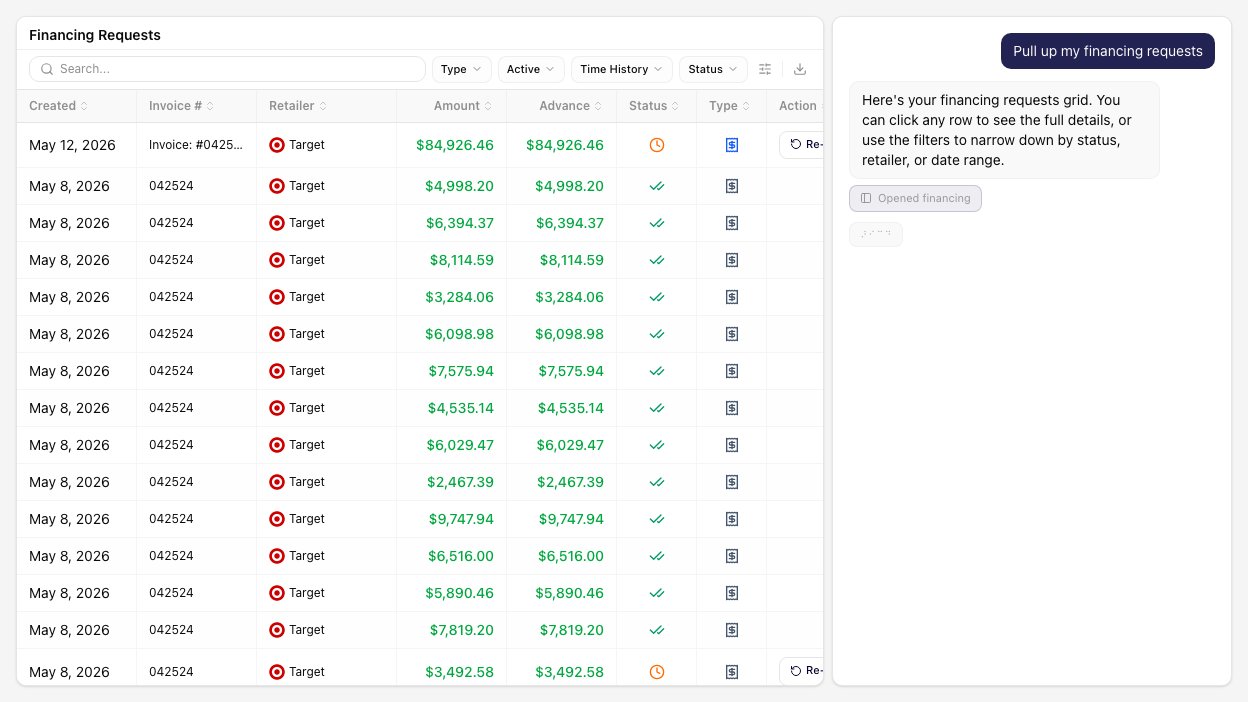
Upload invoices for factoring, find unfactored receivables, and sign financing disclosures. The agent builds the request and walks you through approval.
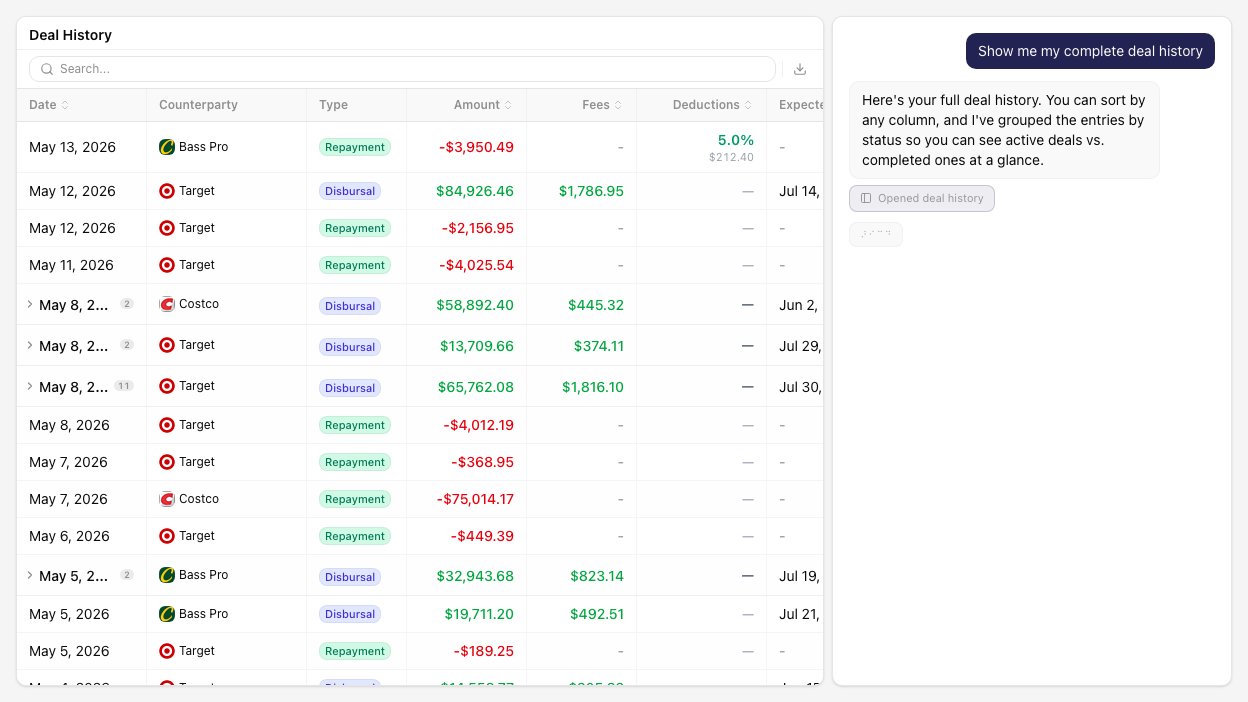
Review your complete funding history — disbursals, repayments, fees, and expected payoff dates. Sort by any column and export to CSV.
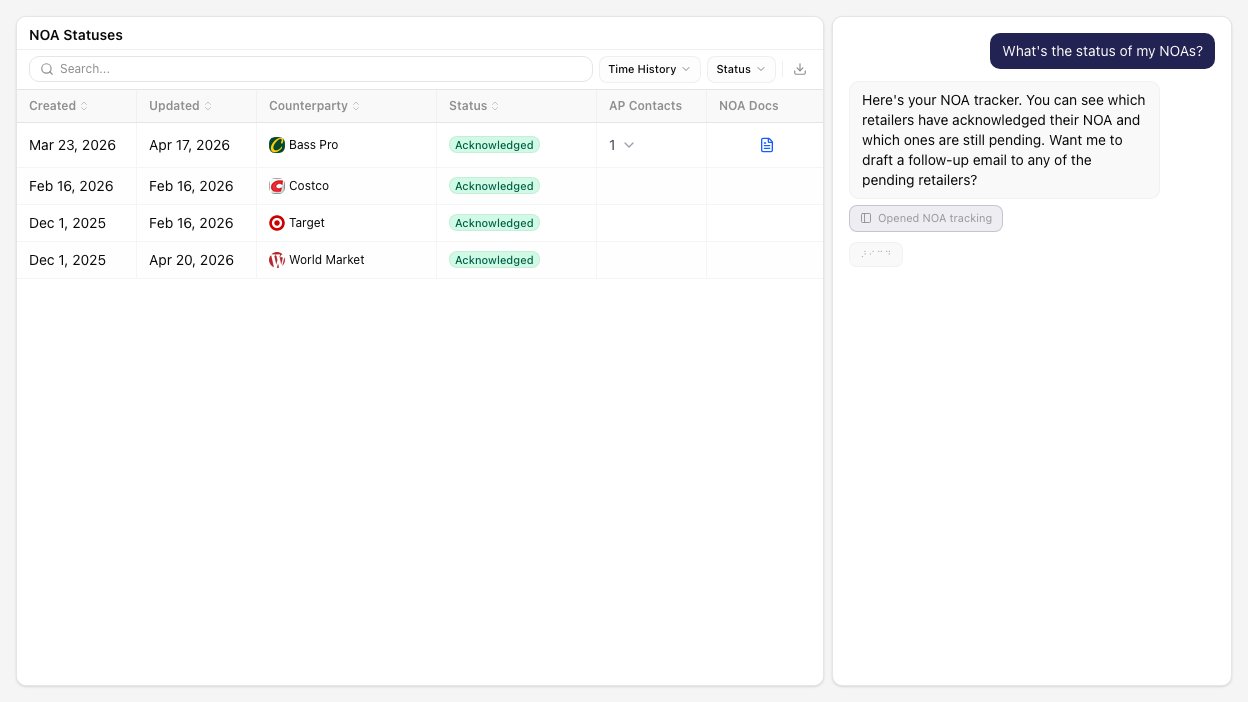
Set up Notices of Assignment to redirect retailer payments. Track which retailers have signed, which are pending, and manage the full NOA lifecycle.
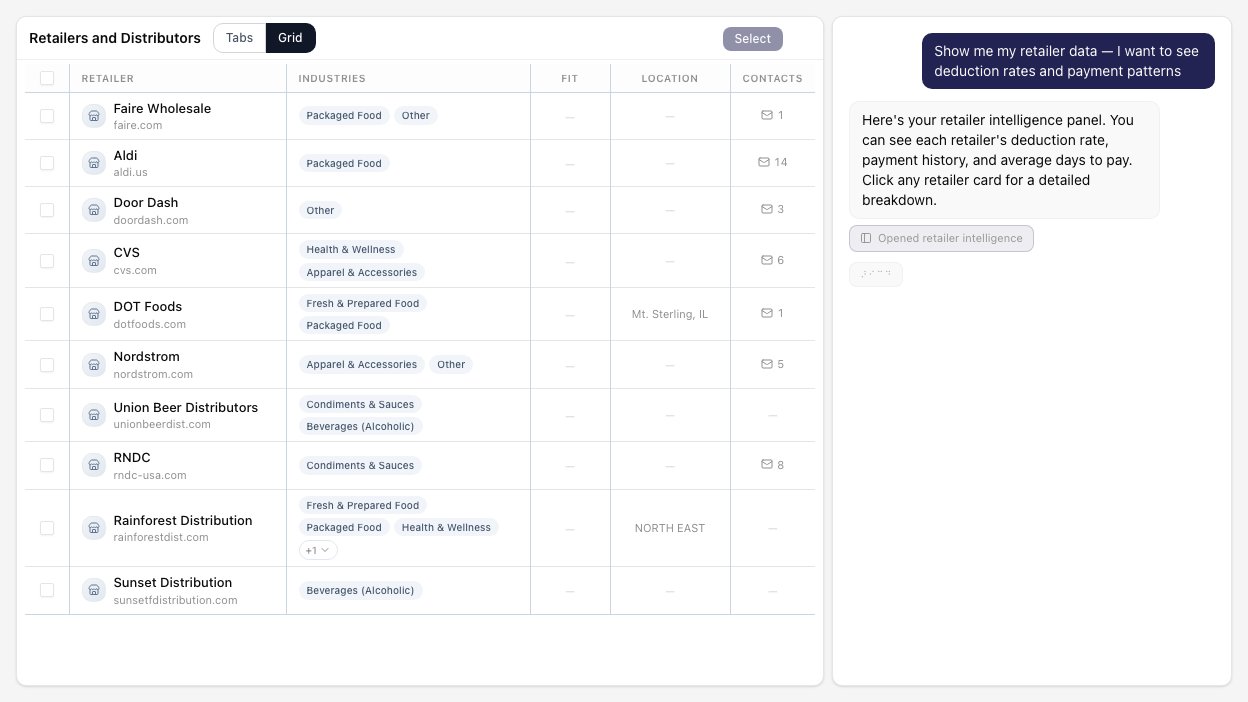
Research retailers with deduction rates, payment patterns, and contact information. Identify new expansion opportunities and analyze chargeback trends.
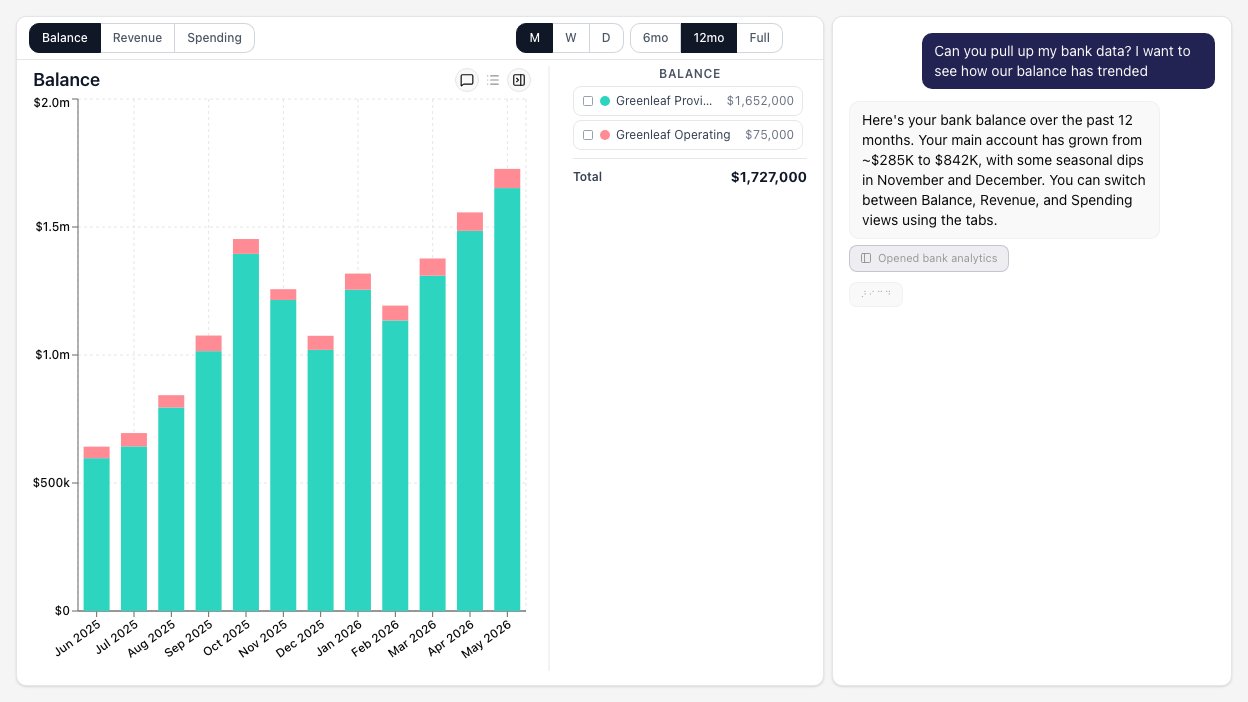
Interactive charts for bank balances, revenue, and spending over time. Switch between daily, weekly, and monthly views. Compare periods side by side.
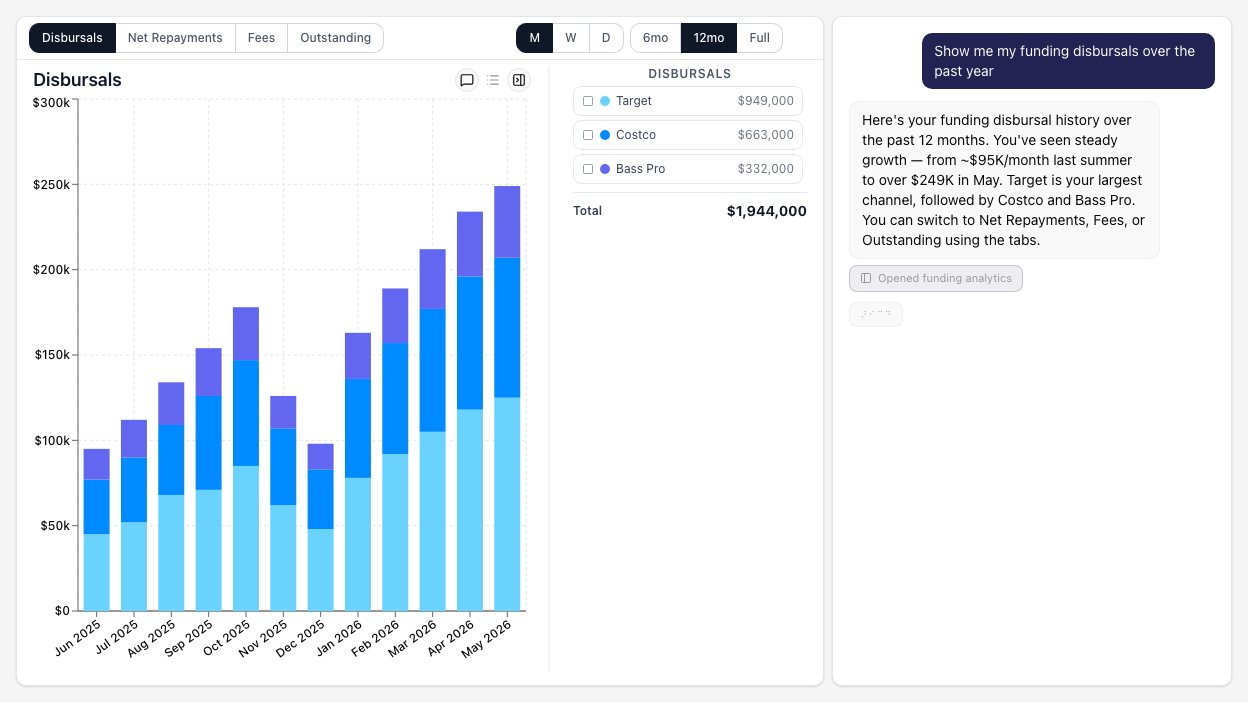
Visualize your funding disbursals, net repayments, fees, and outstanding balance over time. Break down by retailer and track growth trends.
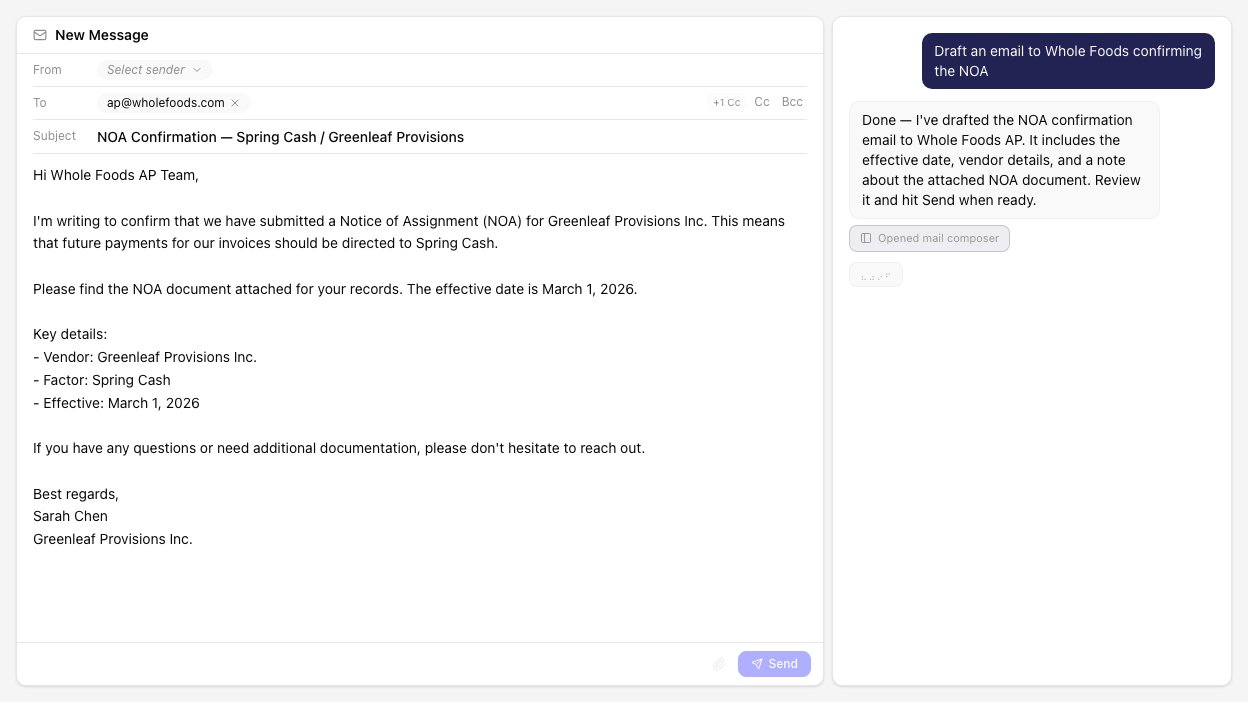
Draft emails right from the workspace. The agent pre-fills recipients and subject based on your conversation. Nothing sends until you review and click Send.
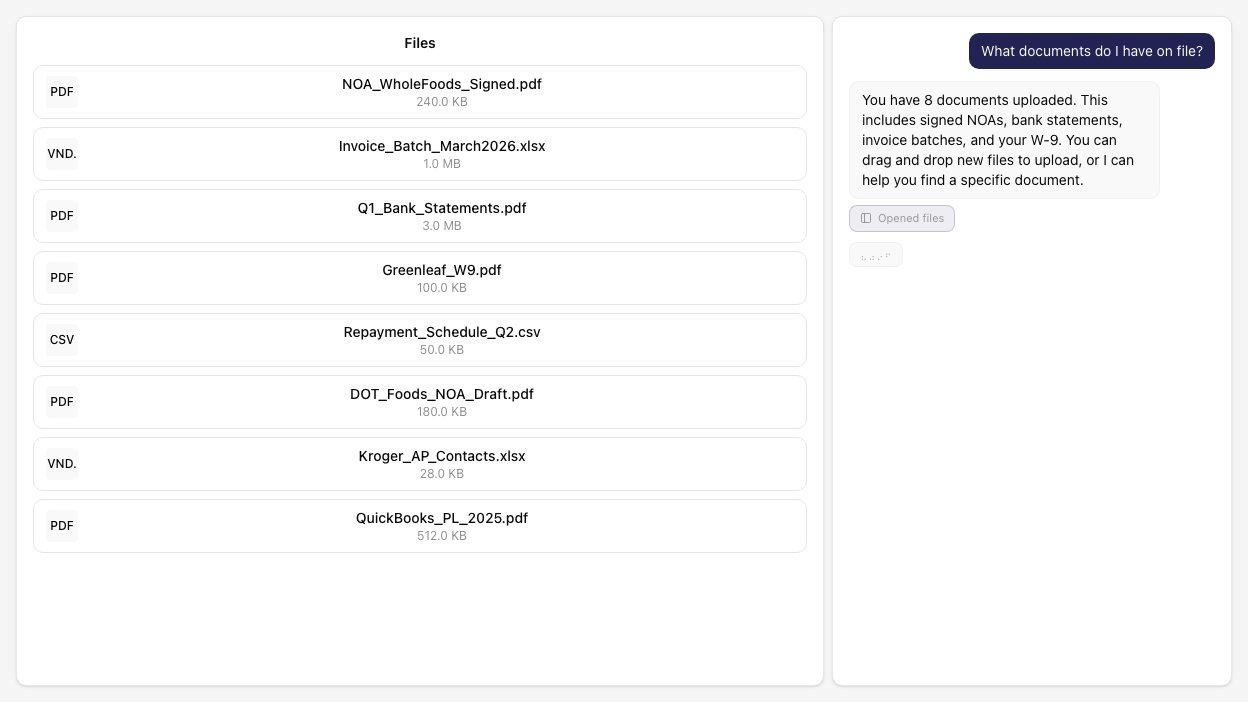
Browse uploaded documents, drag-and-drop new files, and view PDFs inline. Upload a spreadsheet and it becomes a queryable data table.
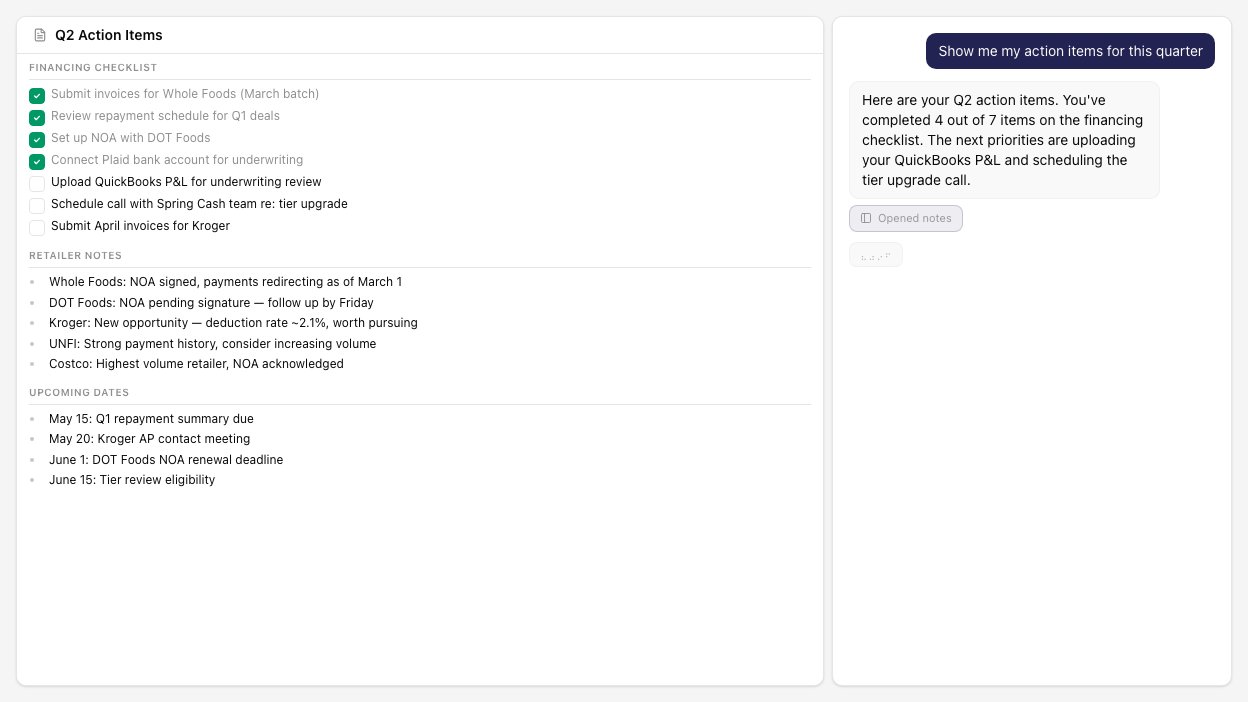
Create markdown notes with checklists, action items, and links. Notes persist as canvas panels alongside your other data so nothing falls through the cracks.
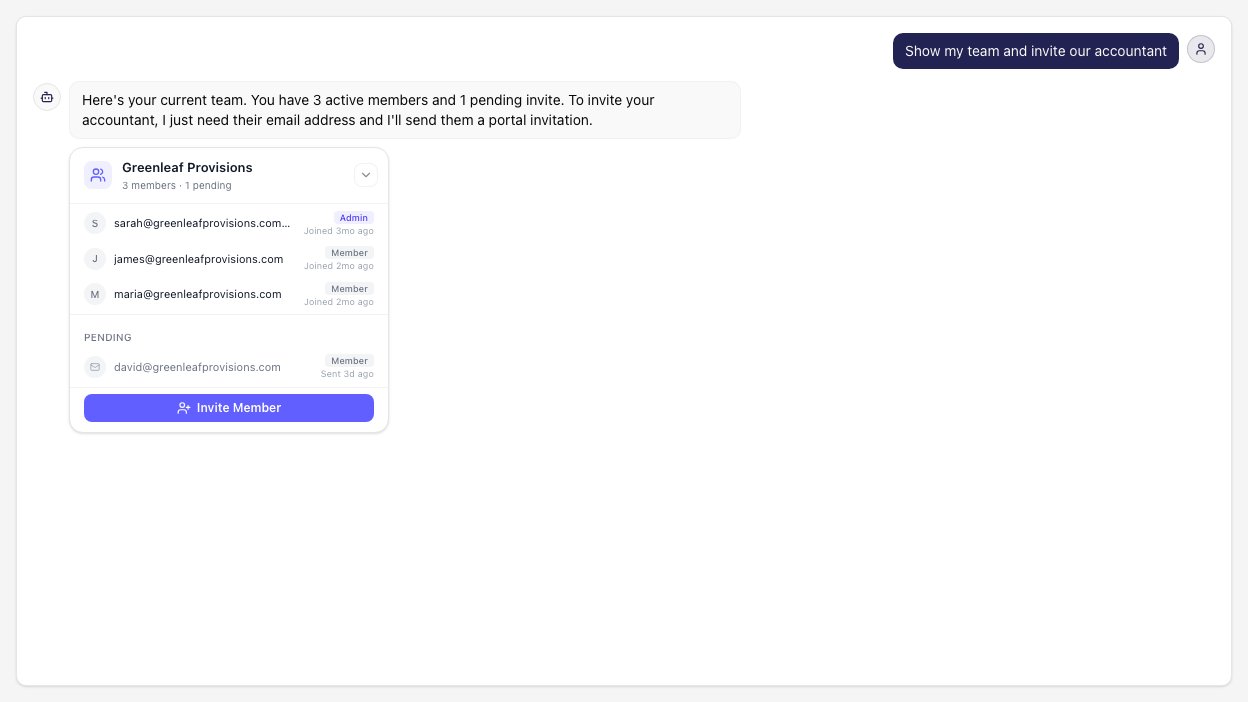
Invite team members to your portal, manage access levels, and see who has access. Each person gets their own chat sessions while sharing the same data.
FAQs
Everything you need to know about the Spring Cash agent.